
This article applies to all United States and Canada users who maybe asked to get information from a Xerox AltaLink Multi-function copier.
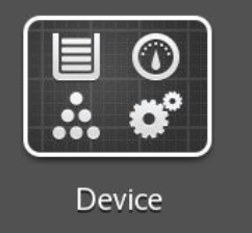
- On the display, tap the DEVICE button
- Tap the ABOUT button
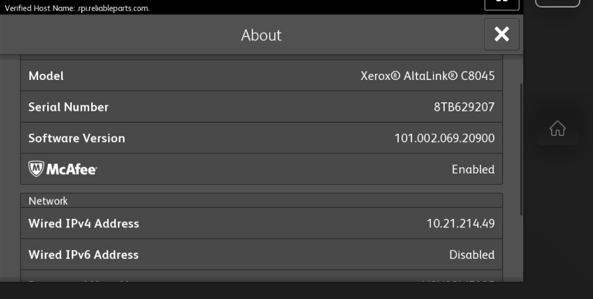
- You will now see the printer’s IPv4 Address
This article applies to all United States and Canada users who maybe asked to get information from a Xerox AltaLink Multi-function copier.
0 Comments