
This article applies to all United States and Canada users who maybe need to change the volume on Windows notification such Outlook's new email notification. This was reported as an issue, when on the Cisco Jabber soft phone.
Windows Key > Search for “Settings”
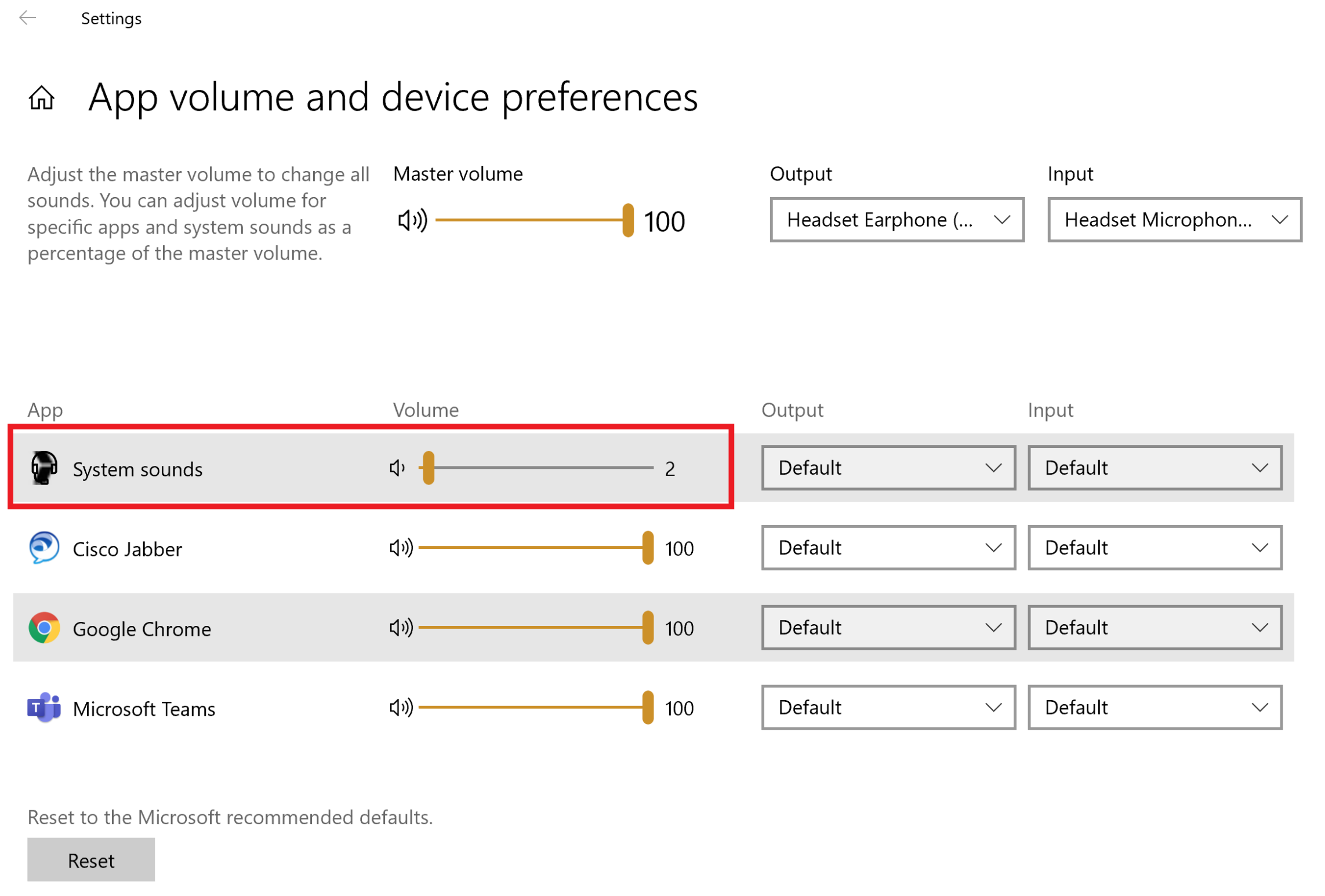
In Settings go to: System > Sound > Advanced sound options > System Sounds > App volume and device preferences > Decrease volume
0 Comments