
Occasionally, you'll get a customer who has locked themselves out of their Netstore account. Below are the steps to reactivate their account.
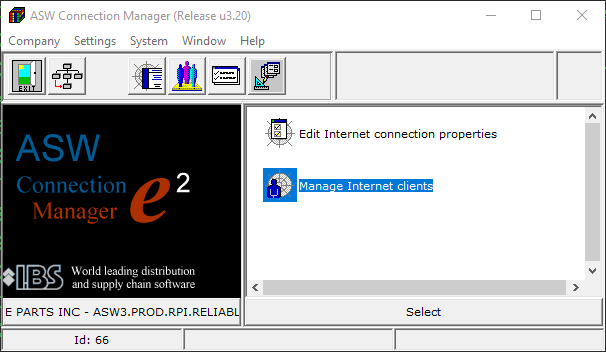
Start Connection Manager.
Double Click Manage Internet Clients.
Type your User ID you want to change and press ENTER
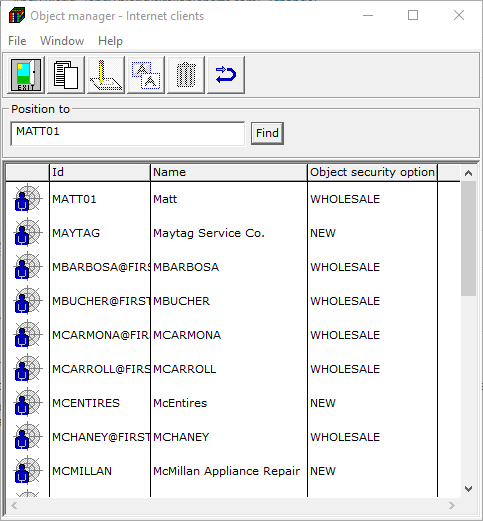
Double Click the user ID
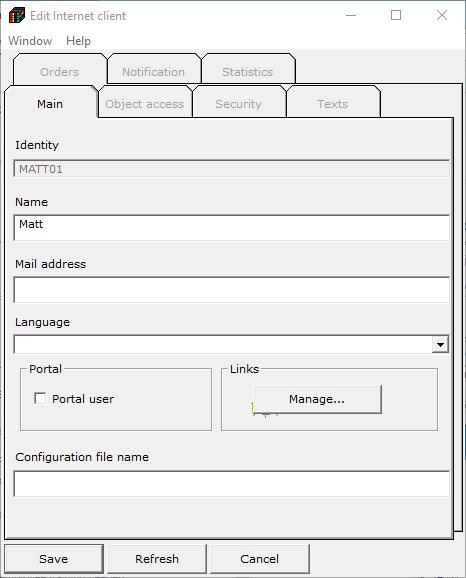
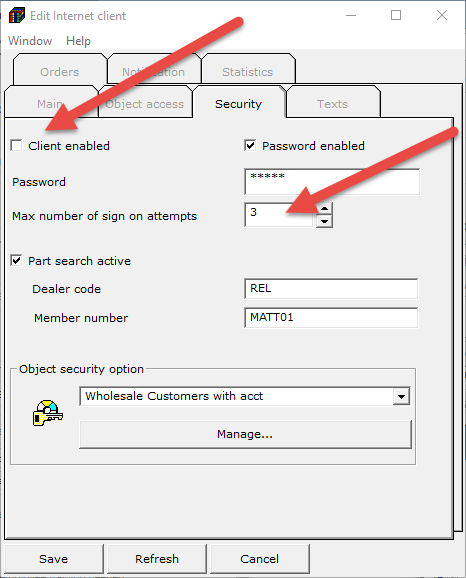
Click the Security tab
- Notice the Client Enabled is Unchecked. That means they have inactivated themselves by typing the wrong user ID and Password 3 times (in This case because of 3 max number of sign in attempts)
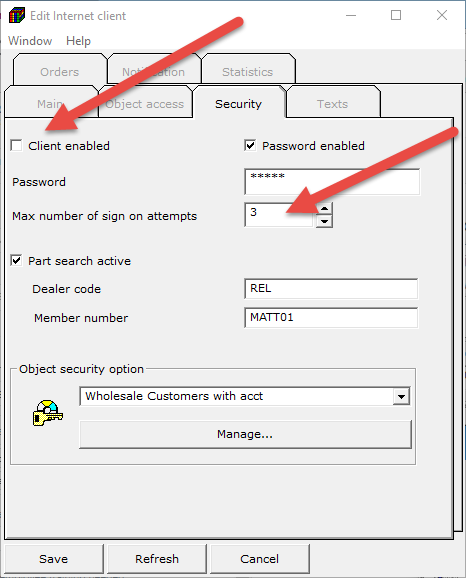
Re-enable the customer by clicking the “Client Enabled” box
- Change the number of Max number of sign in attempts to a higher number and click “Save”
Close out your Connection manager as normal if you are finished.
0 Comments